




StoatOS on device
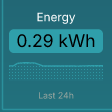
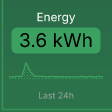
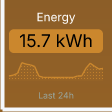
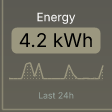
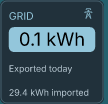
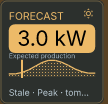
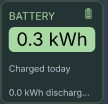
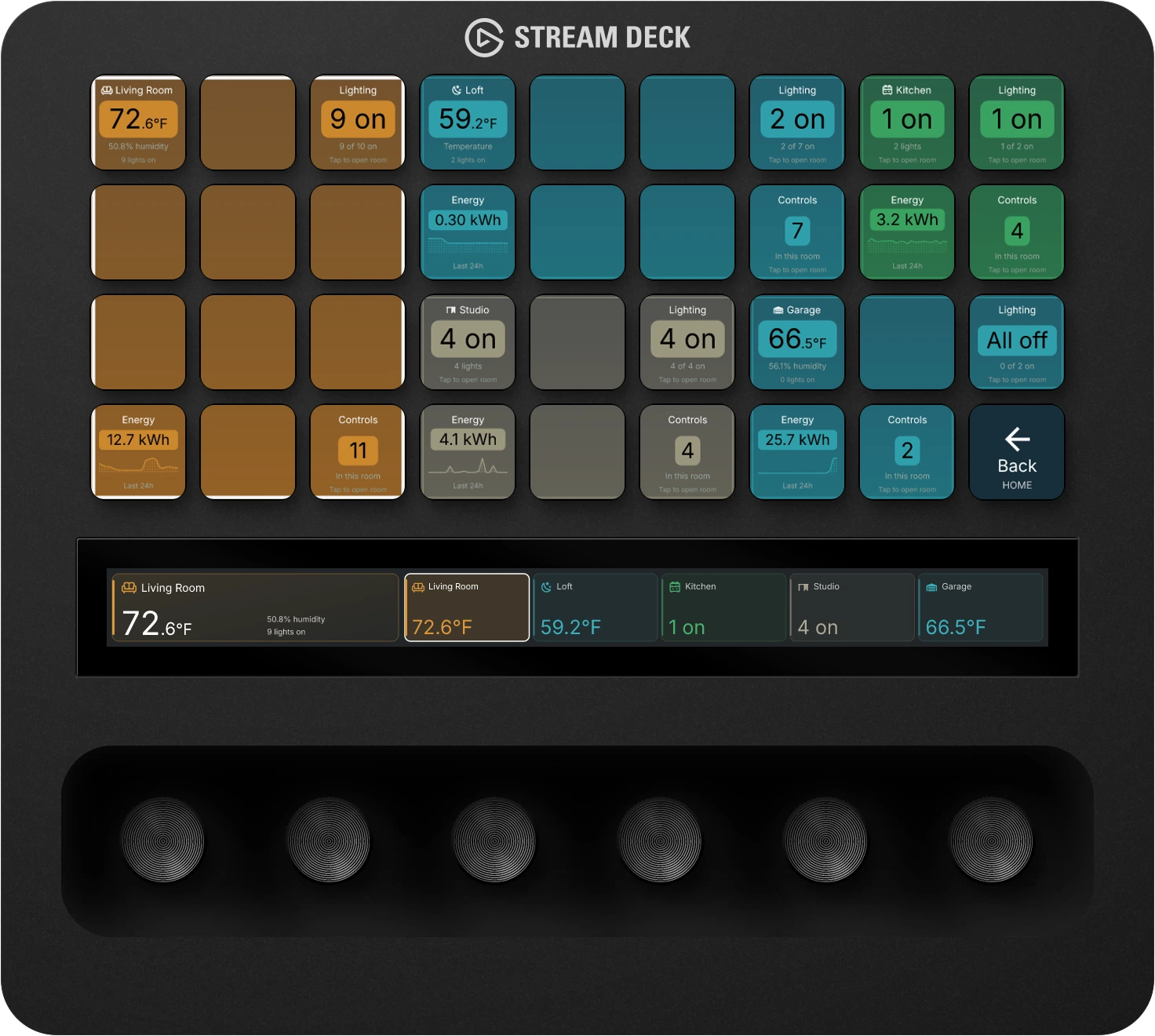
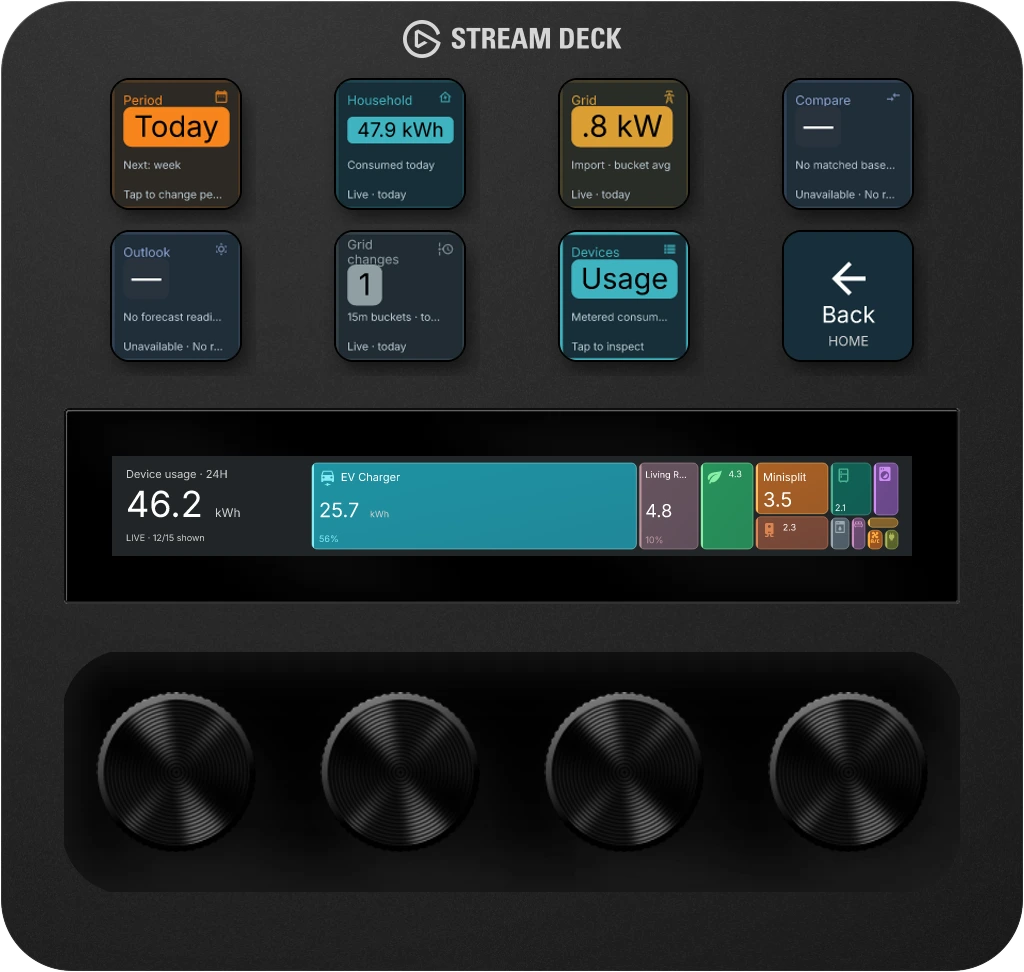
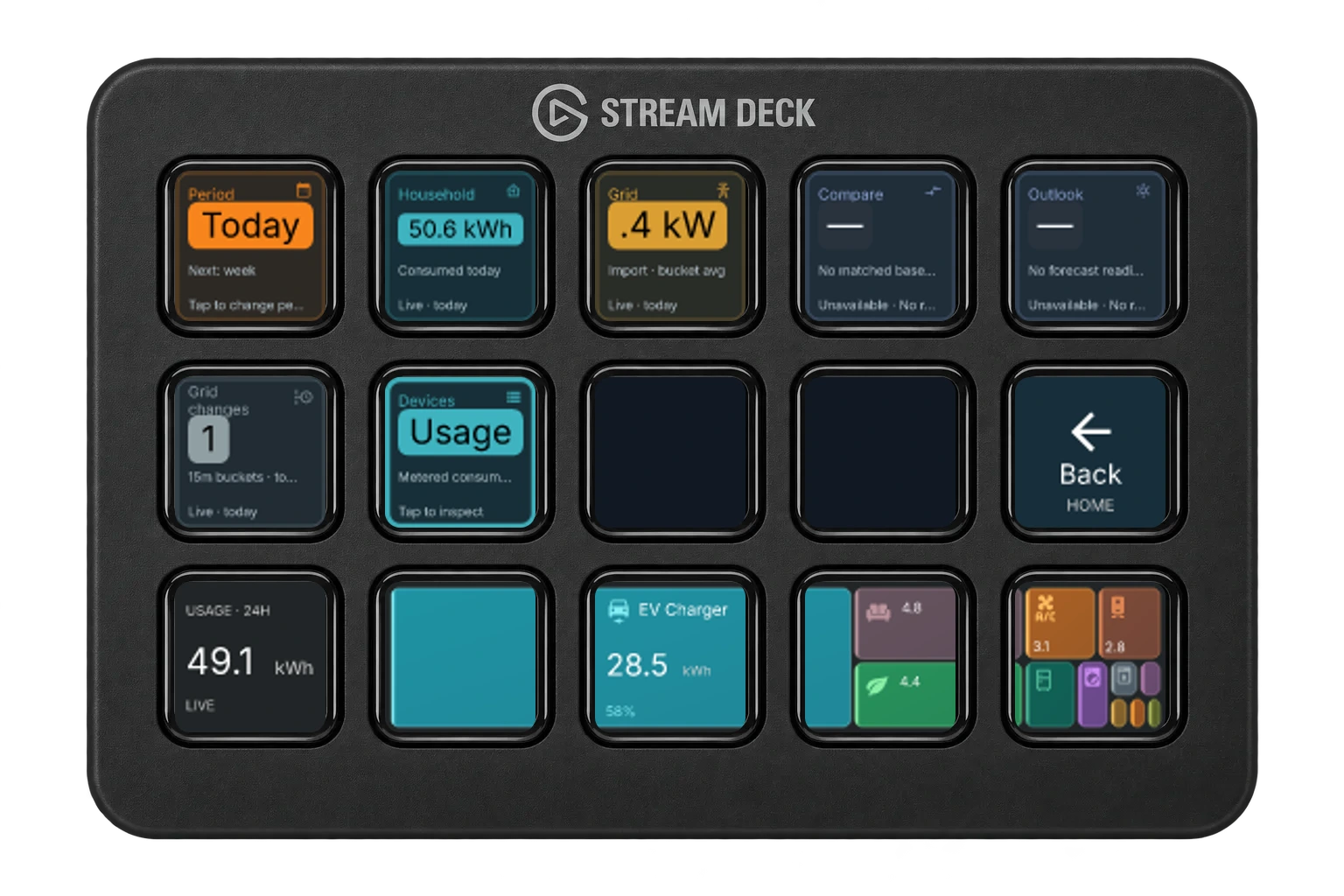
Your energy at a glance.
Stream Deck+
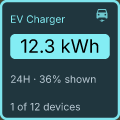
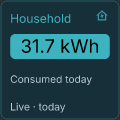
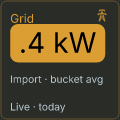
See what your home is using, what your solar is producing, and where the power goes.
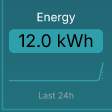
Energy · house, grid, and solar

An operating surface for Stream Deck and more.
StoatOS connects your apps and devices to physical controls. Put your home, music, and AI assistant on the keys, dials, and displays in front of you.
The hardware stays put. What it can do doesn't.
7 days free. No card required.
But your music, your lights, your energy use, and your AI assistant all on the same keys?
That's more our thing.
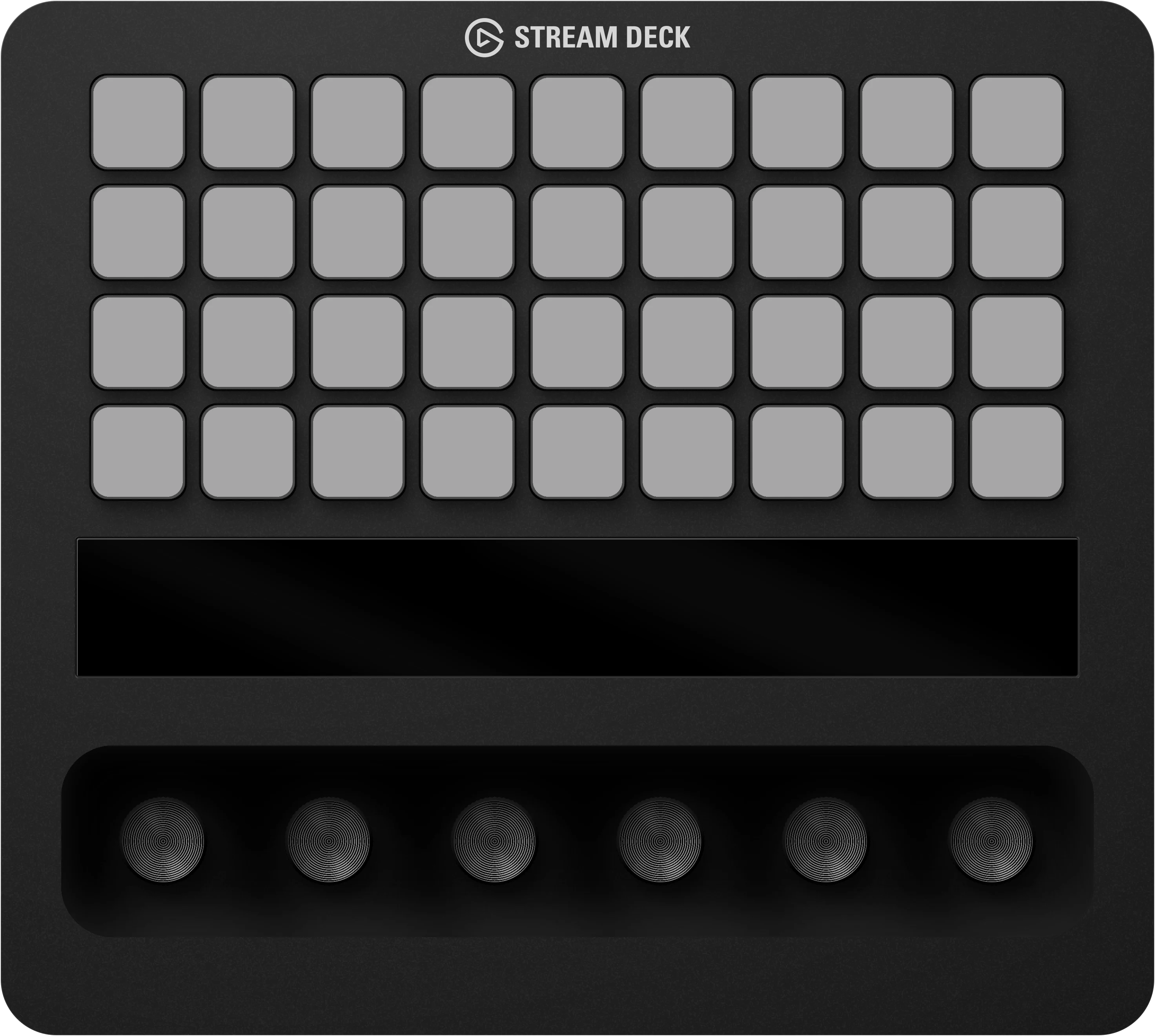
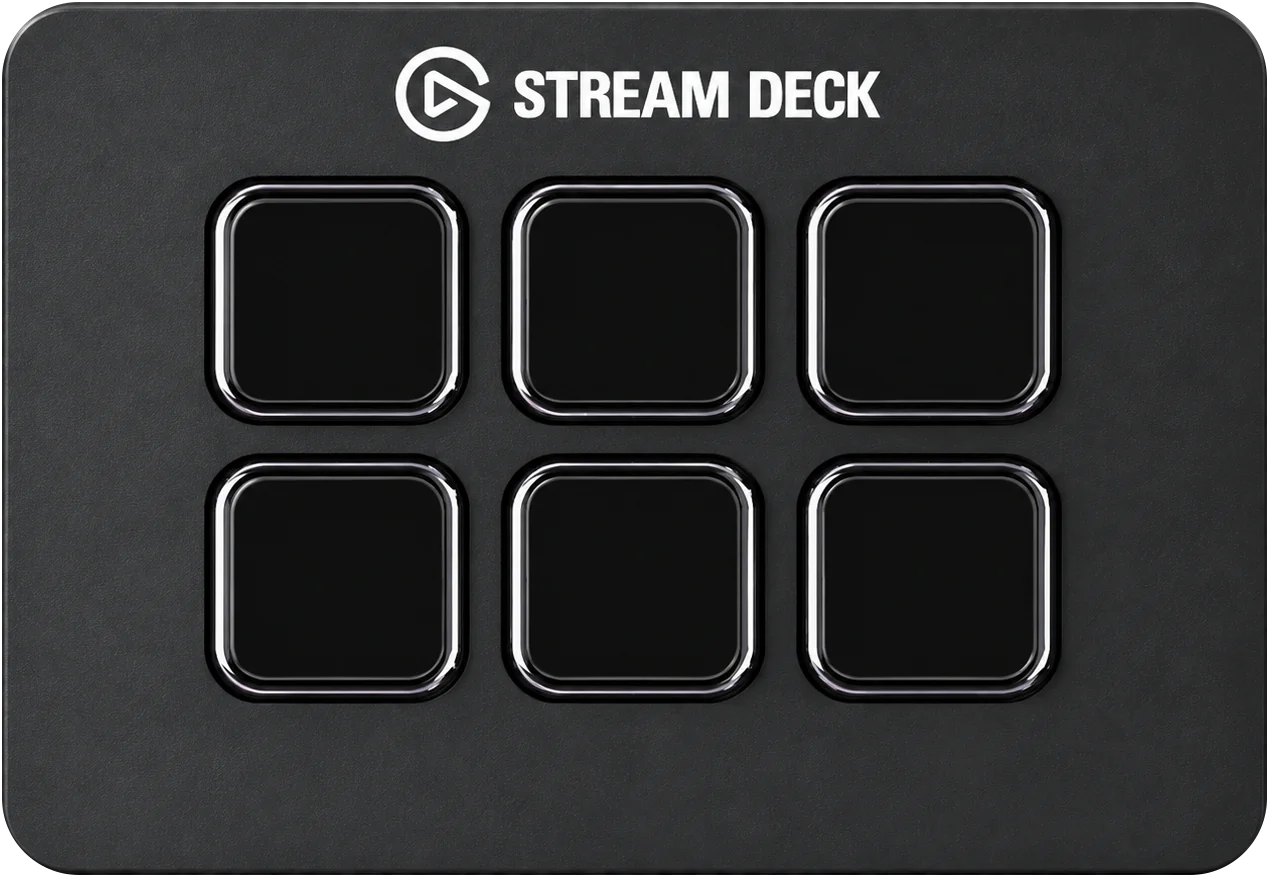
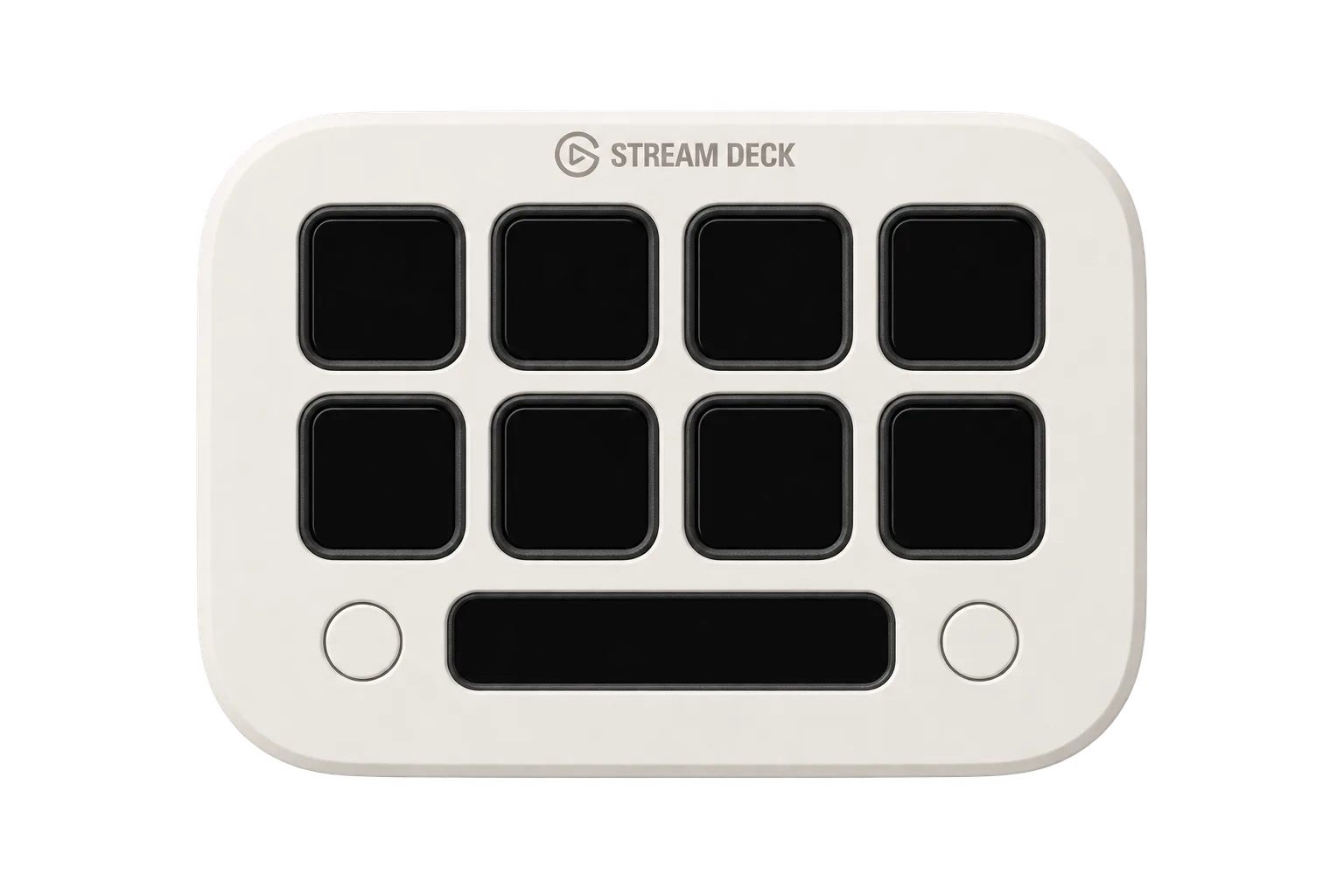
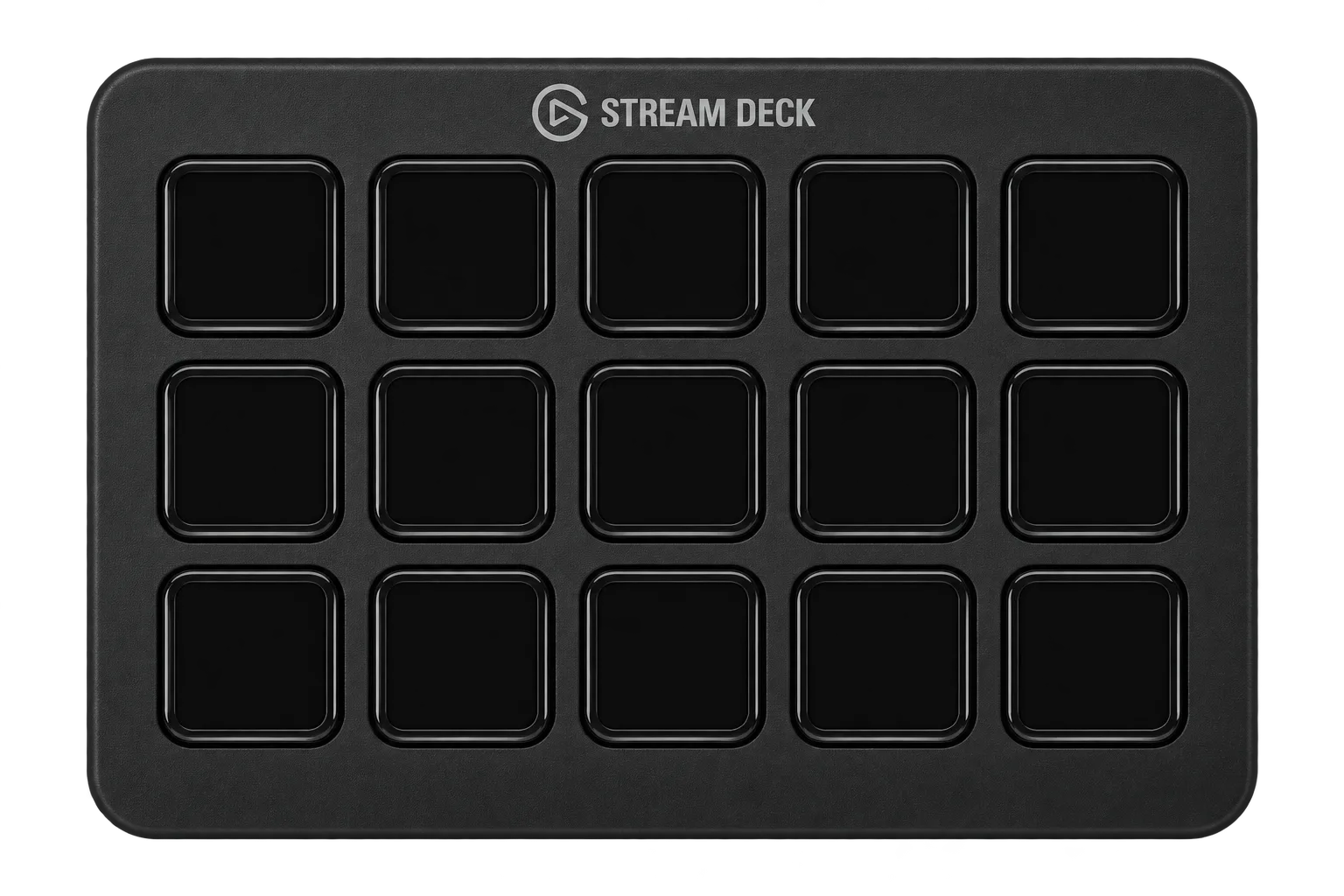
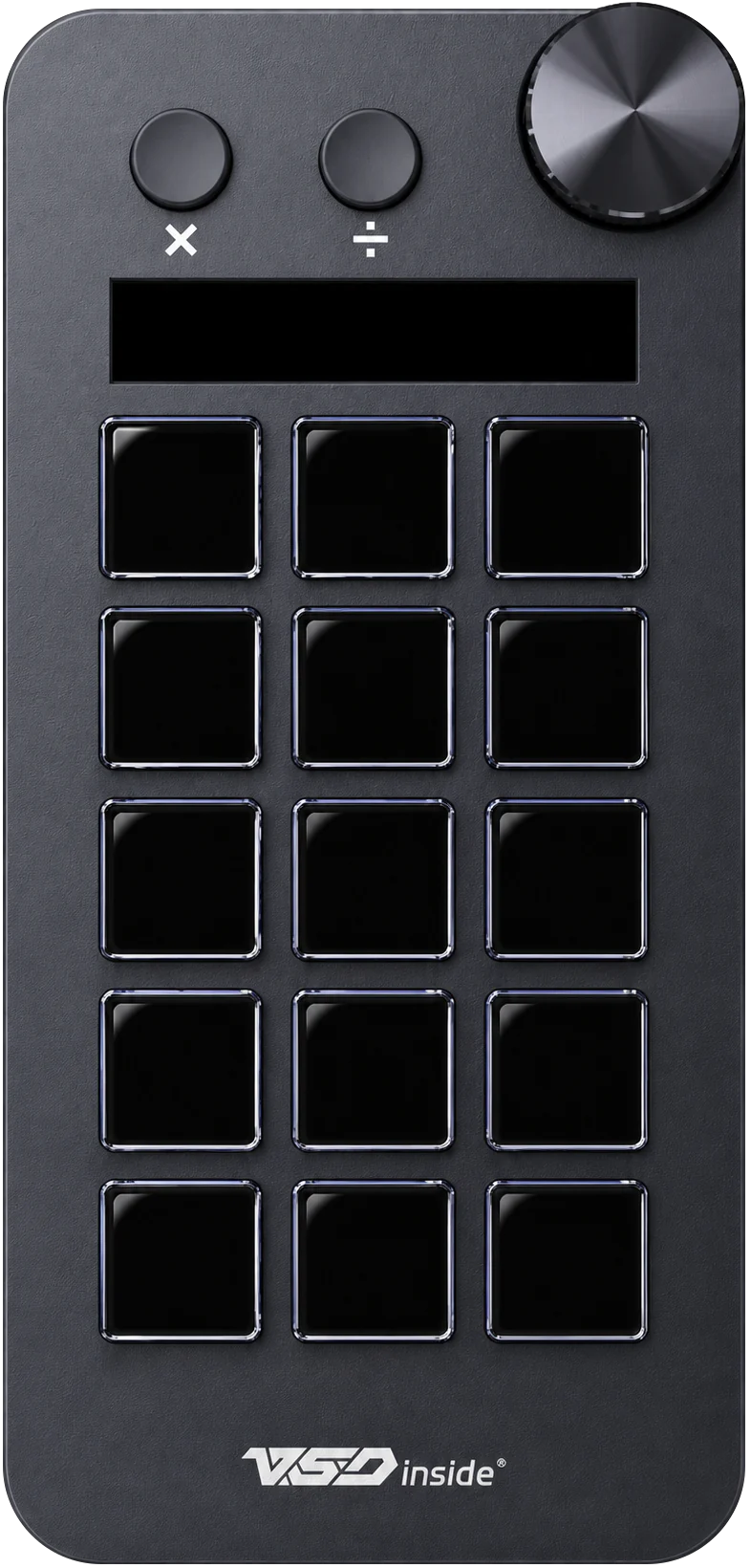
Your energy at a glance., 1 of 6
One surface. Lots of worlds.
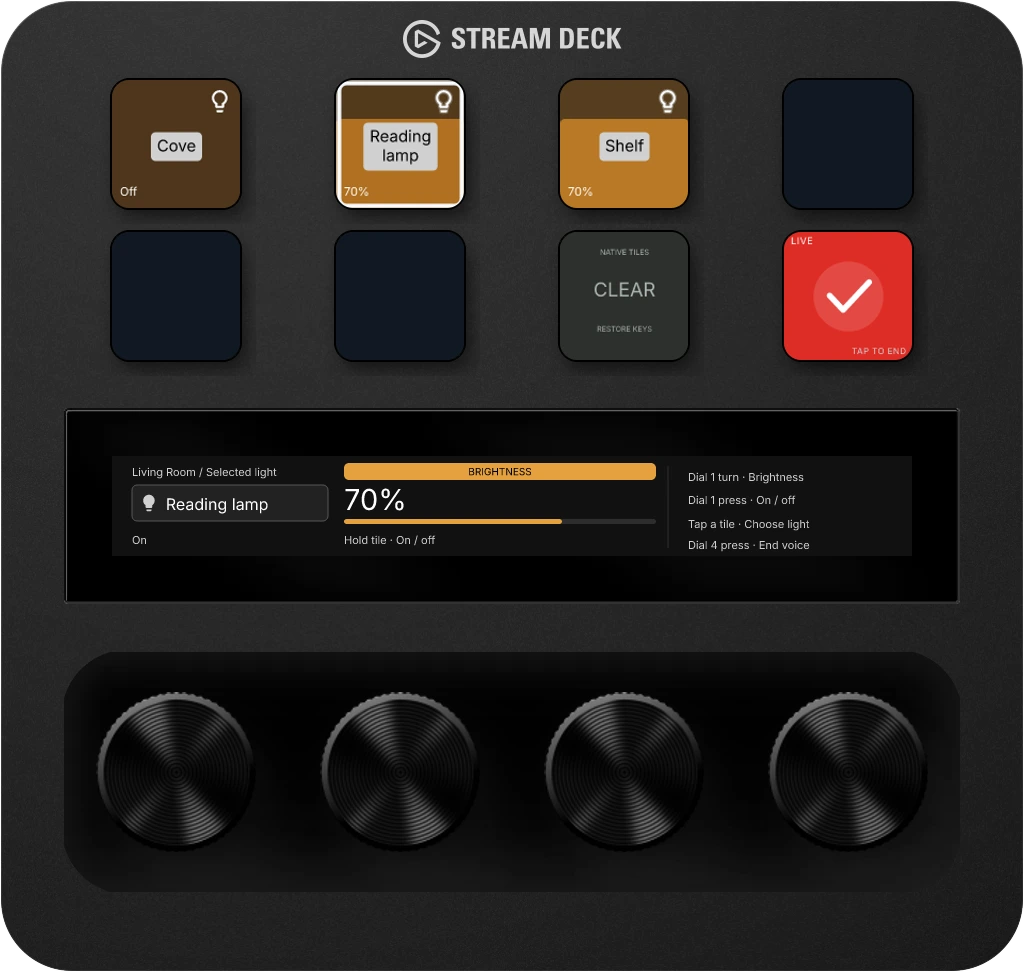
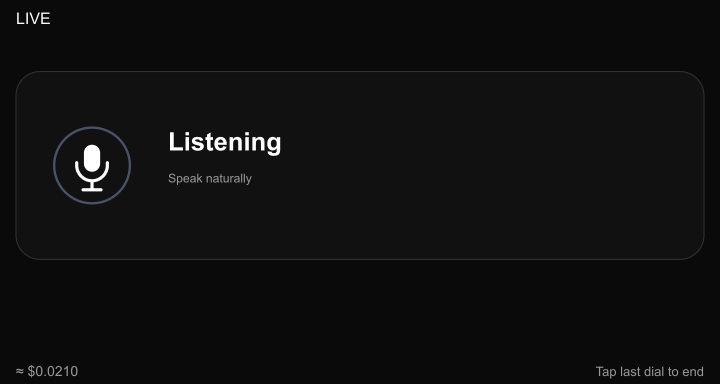
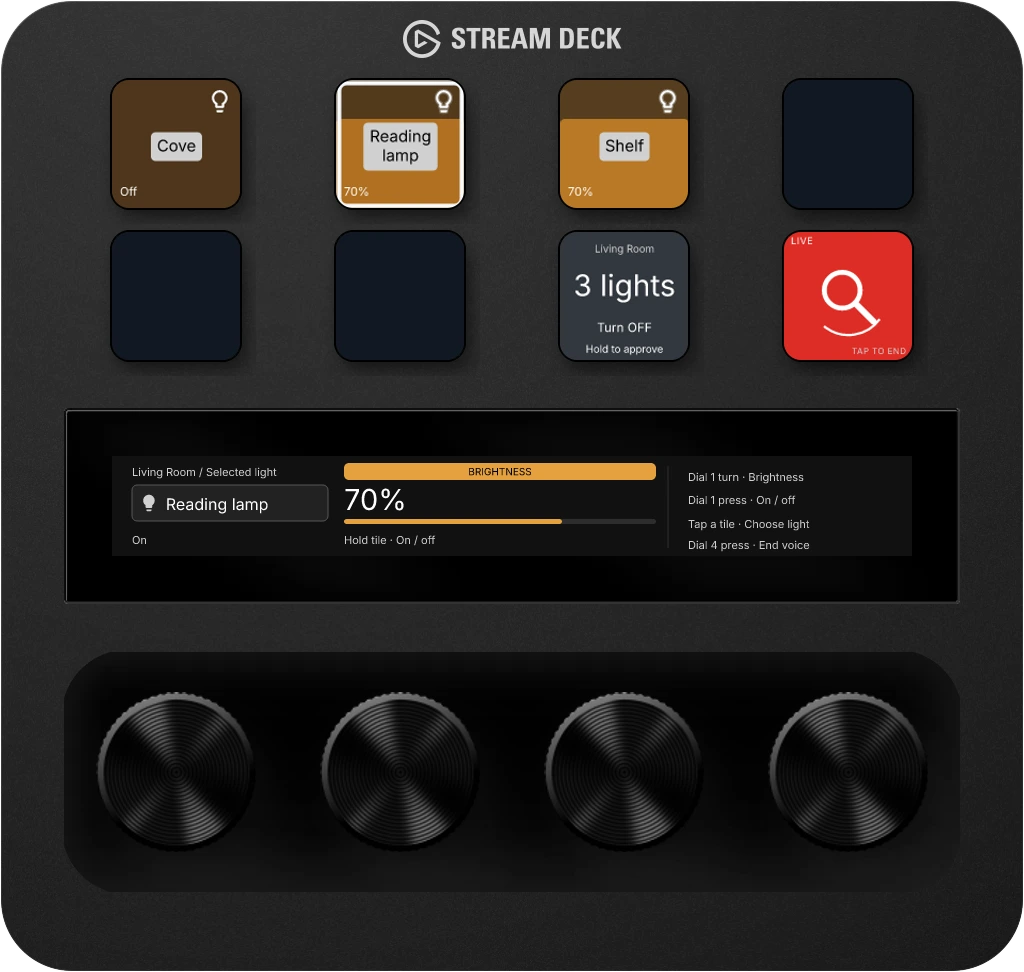
Ask for your living-room lights. Bring their controls into view. Keep using the keys and dials while you talk.
“Show my living room lights.”
Example conversation shown with sample data.
Double-tap the last dial to start. Ask about your room or bring up the controls you need. Stoat answers using information from your connected home.
Bring lights, useful information or an interactive display into view. Keep using keys and dials while you talk.
When Voice proposes a change to your lights or thermostat, you see what will change and hold a key to approve it. You stay in control.
Stoat Voice uses your OpenAI API key. OpenAI usage charges apply.
Stoat Voice uses your OpenAI API key. OpenAI usage charges apply. Keep Studio open with a microphone, speakers, a supported device, and an internet connection. Your connected home supplies the room information and controls.
Supported hardware →Dim the room, check what’s using power, or pause your music. Keep the controls you reach for beside the information you want to see.
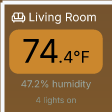
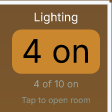
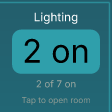
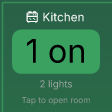
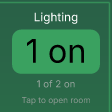
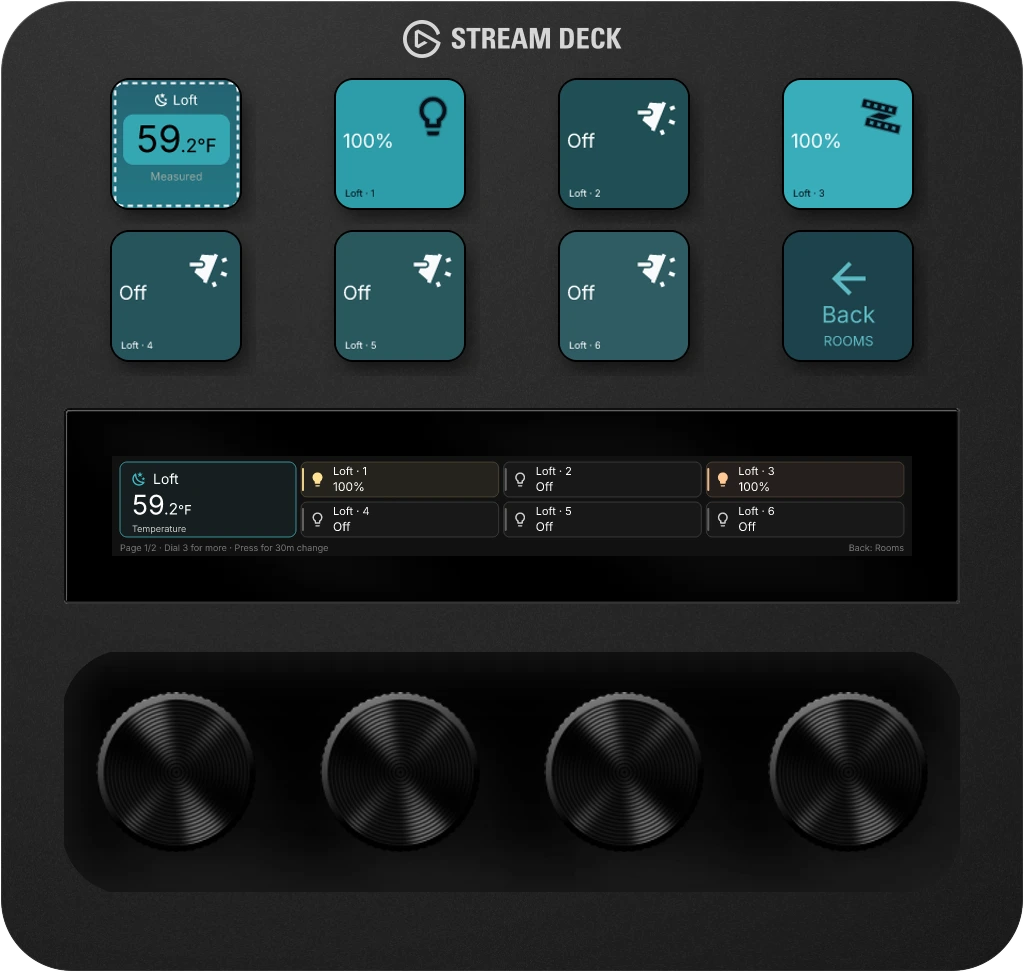
01Rooms & lighting
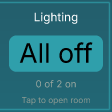
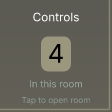
See which lights are on, check the room’s readings, and reach for the control you need.
Explore room controls02Energy awareness
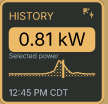
See how much power your home is using and which devices use the most. Check it on your desk, with readings from Home Assistant.
Connect your energy meters and sensors through Home Assistant.
Explore the product10Music players & smart speakers
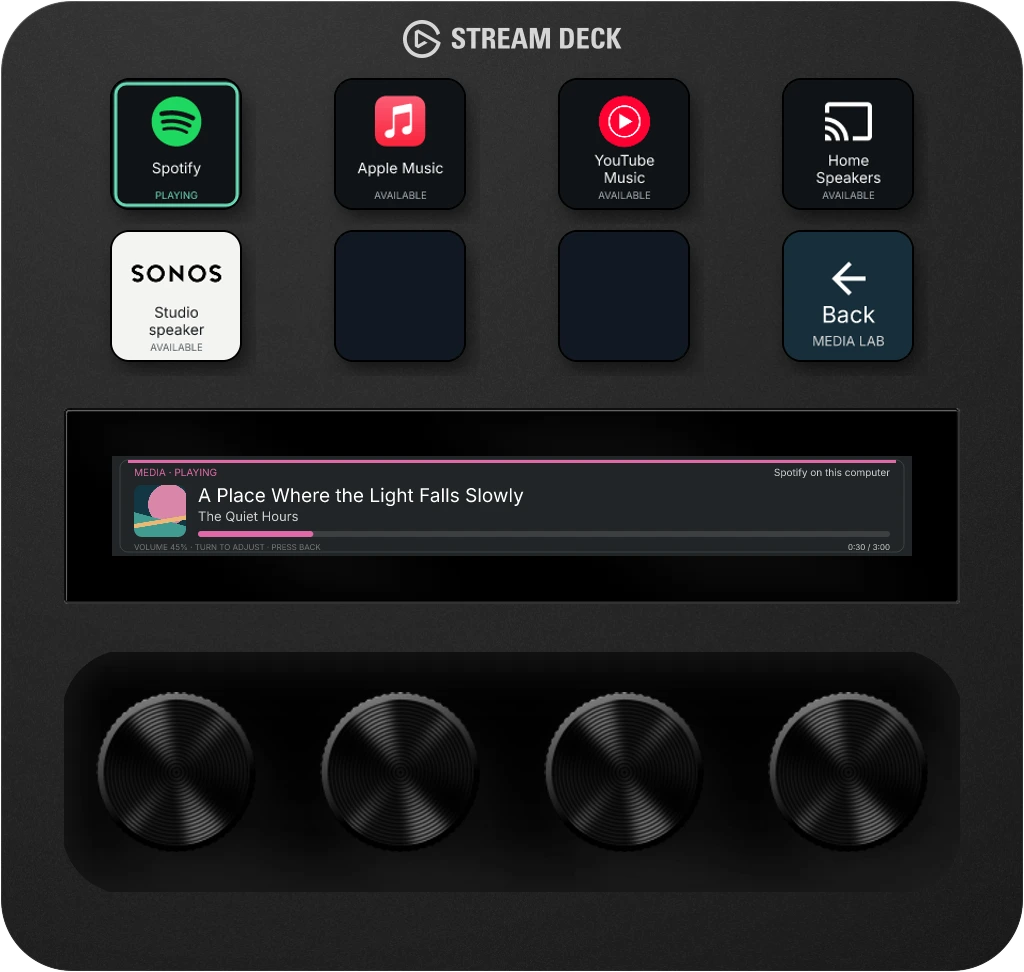
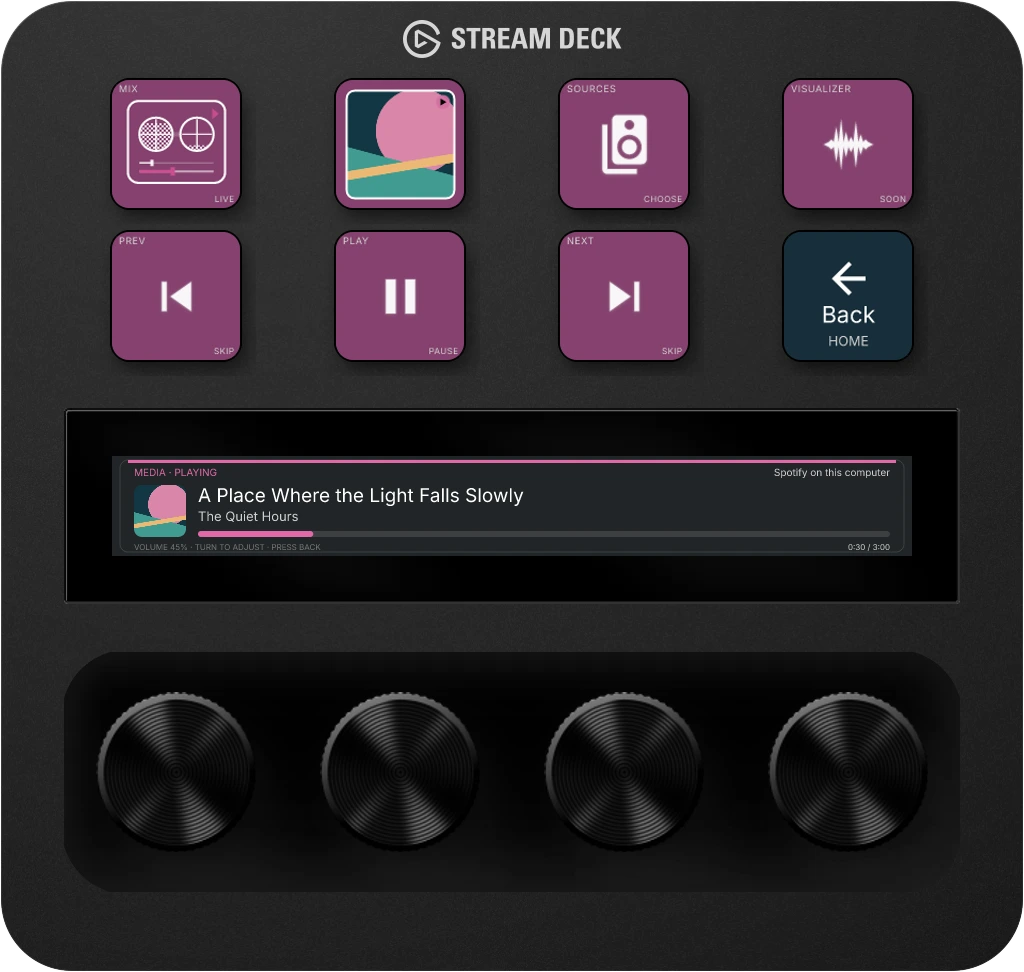
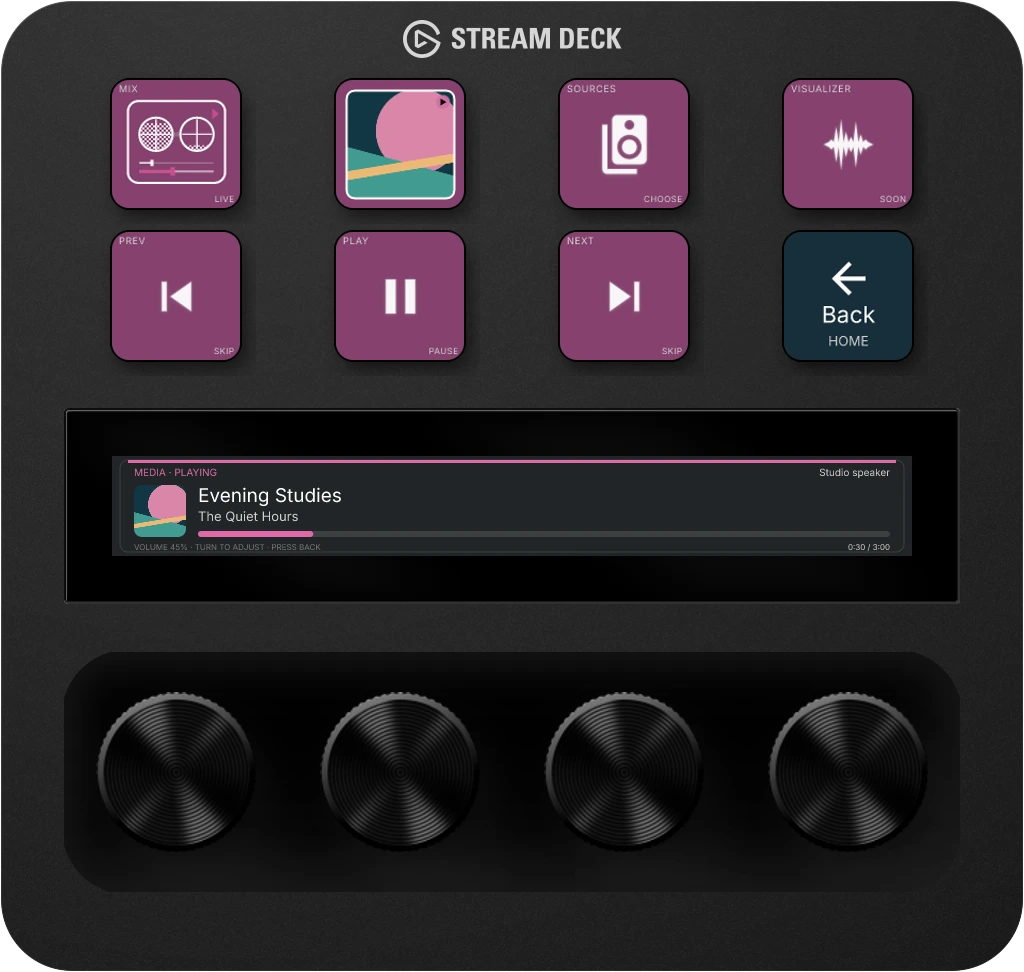
Choose a connected player or speaker, see what’s playing, and reach for pause, skip, or volume.
Choose which player you control without moving what’s playing. Each device can follow a different player.
Explore music controlsScreens from StoatOS. Music examples use sample data. View release availability →
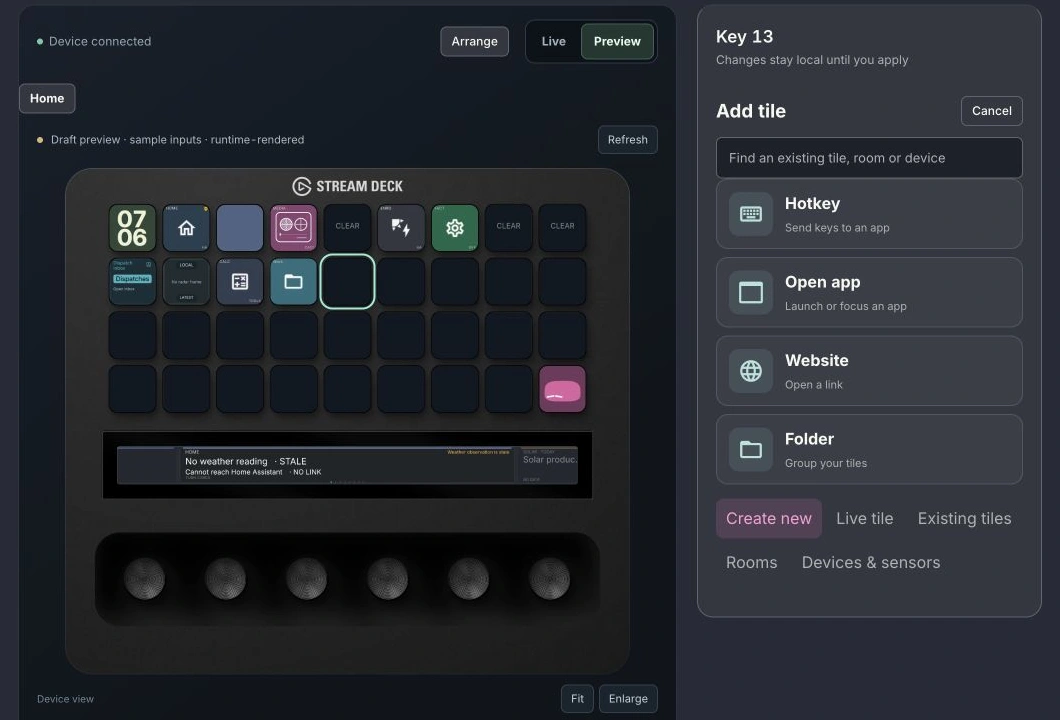
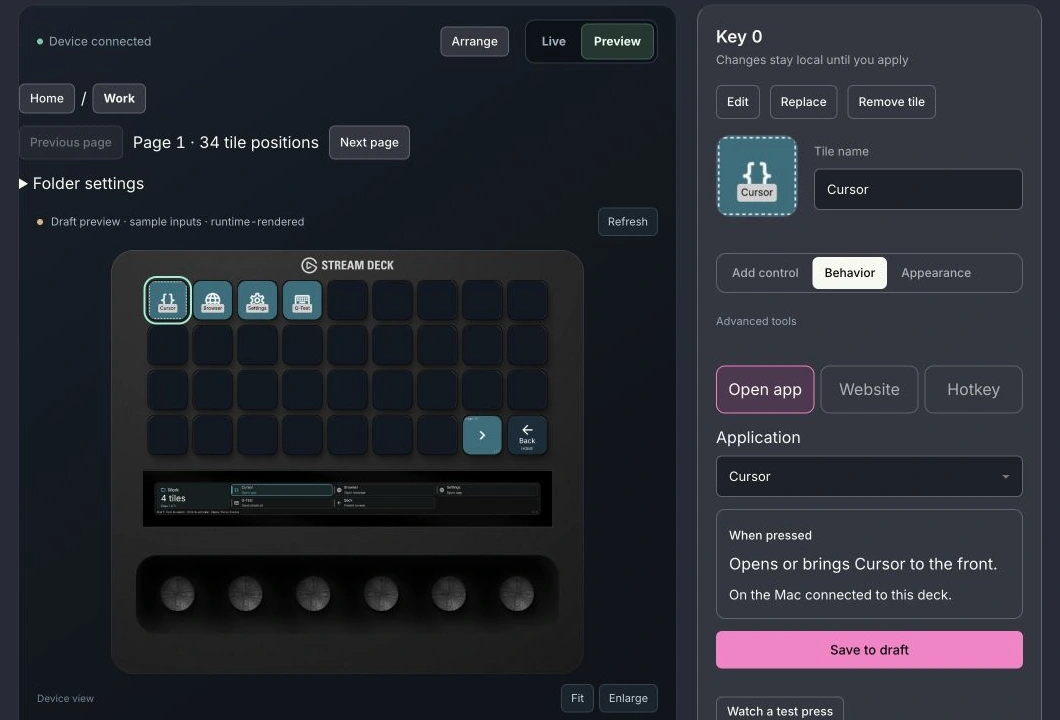
Put the apps, actions, and controls you use where you want them. Arrange your layout in Studio, preview the changes, then apply them to your device.
Preview your changes before you put them on your device.
Explore the product →For the home you built
You built the connected home. Give its lights, rooms, and readings a place on your desk. Keep your dashboards and automations.
Explore Home AssistantGo from the house to a room’s controls.
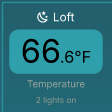
Keep energy use and temperature in view.
Keep your existing dashboards and automations.
Your home. Your server. A place on your desk.Give your AI assistant a place to post progress and updates. Glance at your device while the work carries on.
Setup: Connect compatible assistants through StoatOS MCP.
Explore the product →Try StoatOS with your own setup for 7 days. No card required. Choose Pro for $20/month when you’re ready.